SoraxBase is an independent mobile app comparison platform. We may earn a commission when you click through.
Best File Manager Apps for Power Users on the Move
Compare five file managers for cloud access, network transfers, archives, and local storage across Android and iPad.
Quick Picks for Serious File Management
Best overall: Solid Explorer File Manager.
Best for network access: X-plore File Manager.
Best iPad pick: Owlfiles - File Manager.
Generic app lists miss the real question: do you need simple local file sorting, or a serious tool for cloud drives, network shares, archives, and device-to-device transfers? The five picks below cover those distinct jobs. Platform matters too. X-plore, Solid Explorer, Cx File Explorer, and Mi File Manager are Android options, while Owlfiles is listed for iPad. The iPad choices in this group are more specialised, so the right pick depends heavily on how you move files.
Android Power Tools for Local, Cloud, and Network Files
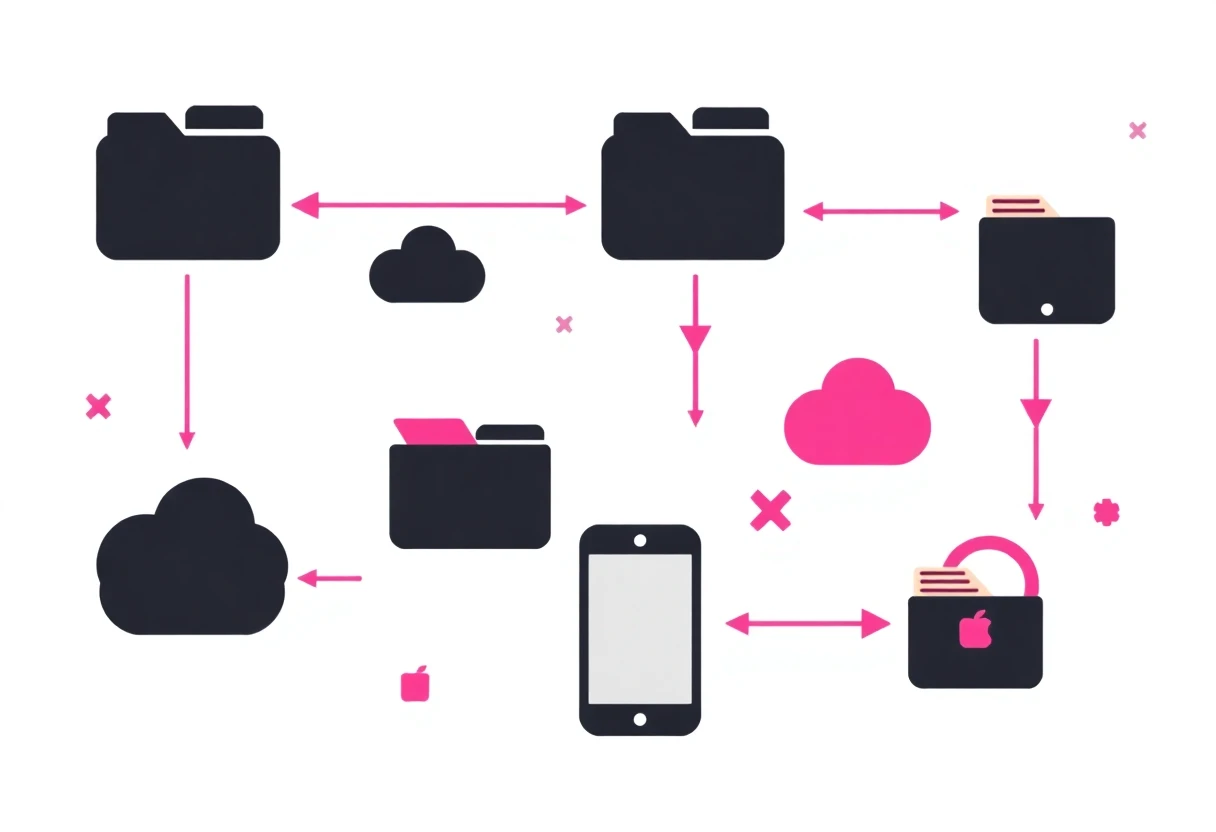
Android gives file managers more room to work, especially for SD cards, USB OTG, archives, and network connections. The strongest apps here are not just file browsers; they act as control panels for storage spread across your phone, cloud accounts, computers, and home network.
X-plore File Manager
X-plore has the widest feature list in this comparison: dual-pane browsing, root access, FTP, SMB, Git, SQLite, ZIP, RAR, 7z, DLNA/UPnP, cloud services, SFTP, SSH, USB OTG, Wi-Fi sharing, and a disk map. That is serious power-user territory. It is the base pick for an Android user moving files between servers, cloud accounts, external storage, and a phone. The downside is obvious from the feature list: beginners may find it busy. Pick it for capability, not visual simplicity.

Solid Explorer
Solid Explorer trims back some of X-plore's specialist breadth and makes everyday file work easier to understand. Its dual-pane layout supports drag-and-drop transfers, while AES-256 encryption, password or fingerprint protection, cloud access, SMB, SFTP, FTP, and web sharing cover the jobs most people actually need. Compared with X-plore, it is the cleaner Android recommendation for someone who wants advanced tools without a tree of technical menus. The catch is that the listing does not state a price, so check the current Google Play terms before committing.

Cx File Explorer
Cx File Explorer is the calmer middle ground. The listing promises a clean interface, local storage, PC access, cloud storage, and a visual view of device space without the bloat associated with heavier file suites. Compared with Solid Explorer, it gives up listed encryption and the longer network protocol menu, but that restraint is useful if you mainly copy, rename, sort, and inspect files. Choose it when a Windows Explorer or Finder-like feel matters more than SSH, root tools, or archive power.

File Manager
Mi File Manager focuses on the basics and covers a surprisingly broad set of formats, including music, video, images, documents, APKs, and ZIP files. Search, copy-paste, moving, renaming, unzipping, and offline sharing are all listed. Against Cx File Explorer, it looks more like a straightforward utility than a cross-platform control centre. That makes it useful for routine Android housekeeping, but the supplied listing does not confirm cloud protocols, encryption, or USB OTG support.

File Manager
File Manager - XFolder earns its place through practical storage tools: local and SD-card browsing, multi-select, copy, move, compression, decompression, and a private folder. Compared with Mi File Manager, the private-folder feature gives it a clearer privacy angle, while the core archive tools remain easy to understand. It is less convincing for network-heavy workflows because the supplied description does not list SMB, FTP, SFTP, or cloud integrations. Pick it for an Android phone with messy local storage and an SD card, not for server administration.

Android power users have a clear split: X-plore wins on technical range, Solid Explorer on balance, and Cx File Explorer on approachability. Mi File Manager and XFolder are better for local maintenance. That distinction matters more than star ratings here; X-plore's listing describes far more real capabilities than a basic five-star score can show.
iPad File Managers Built Around Sharing and Remote Storage
iPad file management is a different problem. The strongest option in this group is not trying to replace a desktop file system; it is trying to make documents, media, and remote shares easier to access from a tablet. Read the feature list carefully before choosing, because the iPad apps vary sharply in scope.
Owlfiles File Manager
Owlfiles is the strongest iPad pick by a wide margin in the supplied data. Its listing names SMB, WebDAV, FTP, and S3 access, and it has a 4.8 rating from 109 App Store ratings. That combination gives it both meaningful network coverage and the largest review sample in this comparison. It is the one to choose for a tablet connecting to home storage, work shares, or compatible cloud infrastructure. Free with in-app purchases sounds appealing, but the listing does not reveal which features sit behind payment, so check the current App Store details.

USB Disk SE
USB Disk SE is a narrower iPad utility built around media and document access: photo viewing, MP3 playback, and PDF support are named directly, with a 4.4 rating from 16 ratings. Compared with Owlfiles, it has a much smaller review sample and no listed SMB, WebDAV, FTP, or S3 support. Its value is simplicity for someone carrying PDFs, photos, or audio files rather than managing a multi-service storage setup. The app is free with in-app purchases and marked as designed for iPad.
Documents File Manager
Documents, File Manager app lists support for PDF, DOC, XLS, and MP3 files, making it the most obvious document-bag option among the remaining iPad picks. It is free with in-app purchases and designed for iPad, though the supplied page data does not include a rating or a detailed network feature list. Compared with USB Disk SE, it leans more toward office files; compared with Owlfiles, it offers less evidence of serious remote-storage support. Choose it for a compact document and media hub, not advanced network work.
FileXChange
FileXChange is explicitly positioned around sharing files and is listed in the Productivity category, with free installation and in-app purchases. That makes it relevant for quick transfers, but the supplied description does not specify protocols, cloud providers, archive support, or a rating. Against Owlfiles, it is the less documented choice; against USB Disk SE, it has a clearer sharing angle but fewer confirmed media features. Use it only if straightforward file exchange is your main task and verify the current feature list first.
What to Avoid Before You Install
- Do not confuse an app rating with feature depth. File manager ratings can reflect a simple media viewer, not serious storage work. Owlfiles has the most useful review signal here at 109 ratings; the 5.0 score for File manager - File Explorer comes from just one rating.
- Check the platform first. Android apps such as X-plore, Solid Explorer, Cx File Explorer, Mi File Manager, and XFolder should not be treated as iPad alternatives.
- Look for named protocols. SMB, FTP, SFTP, WebDAV, S3, and USB OTG are meaningful differences. If a listing does not name the connection method you need, do not assume it is supported.
- Free does not always mean fully unlocked. USB Disk SE, Owlfiles, Documents, and FileXChange all list in-app purchases. The supplied data does not show the paid limits, so check before building a workflow around a feature.
- Skip bloated tools if you only need local sorting. X-plore's Git, SSH, root, and database support are useful only if you will use them. Cx File Explorer or Mi File Manager is easier for basic copy, rename, search, and archive jobs.
One useful insight is easy to miss: file managers are really two product categories hiding under one label. X-plore and Solid Explorer are storage infrastructure tools; USB Disk SE and Documents are closer to portable media and document viewers. Comparing them on a single “best” scale is misleading.
Base Verdict
Android power user: start with X-plore File Manager if you need SSH, root, archives, cloud drives, and network protocols in one place. Choose Solid Explorer instead if you want encryption and a cleaner interface.
Android beginner: Cx File Explorer is the sensible base pick for local files, PCs, cloud storage, and space management without a feature overload. Mi File Manager and XFolder make more sense for simpler local jobs.
iPad user: Owlfiles is the clear recommendation for network storage, backed by its 4.8 rating from 109 ratings and named SMB, WebDAV, FTP, and S3 support. USB Disk SE or Documents is enough for media and office files, but neither has the same documented network reach.
Build your app base around the connection types you actually use. The most powerful file manager is wasted space if it makes a two-minute file transfer feel like system administration.